
Label paper is not one product. A sheet that runs perfectly in an inkjet can delaminate inside a laser, and a direct thermal roll will print blank in a thermal transfer printer that is expecting a ribbon.
Match the three printer families to the right stock and most feeding, curling and smearing problems disappear before they start.
Laser: heat is the constraint
A laser fuser runs hot, commonly close to 200 degrees Celsius. That heat is what melts toner onto the page, and it is also what can soften a pressure-sensitive adhesive or make a film face curl as it leaves the fuser. Laser-safe label stock uses an adhesive formulated to resist that temperature and a liner that lies flat. Film stocks need an explicit laser rating. Sheets should be fed through a straight path where possible, and any sheet that has already passed through once should not be reused — the liner has been heat-cycled and will jam.
Inkjet: the coating does the work
Inkjet ink is water-based, so the face needs an ink-receptive coating to absorb the carrier quickly. Without it, ink pools, dots merge and the sheet stays tacky. Coated paper grades give crisp type and good colour; matte finishes hide fingerprints, gloss gives saturation. Set the printer to a photo or glossy paper mode for heavier ink loads and slower feed, and allow the print to dry fully before applying — a label applied while still wet traps solvent under the face and can bubble.
Thermal: two technologies, two stocks
Direct thermal paper carries a heat-sensitive coating that darkens in the print head. It needs no ribbon, which makes it cheap and simple, but the image fades with heat, sunlight and abrasion, so it suits shipping and short-life labels rather than retail or archive use. Thermal transfer uses a ribbon — wax, wax-resin or resin — on a plain coated paper or film face, and produces a durable image that resists smudging and handling. Feeding direct thermal stock into a transfer printer gives faint or blank output; feeding transfer stock into a direct thermal printer gives nothing at all.
Sheet or roll
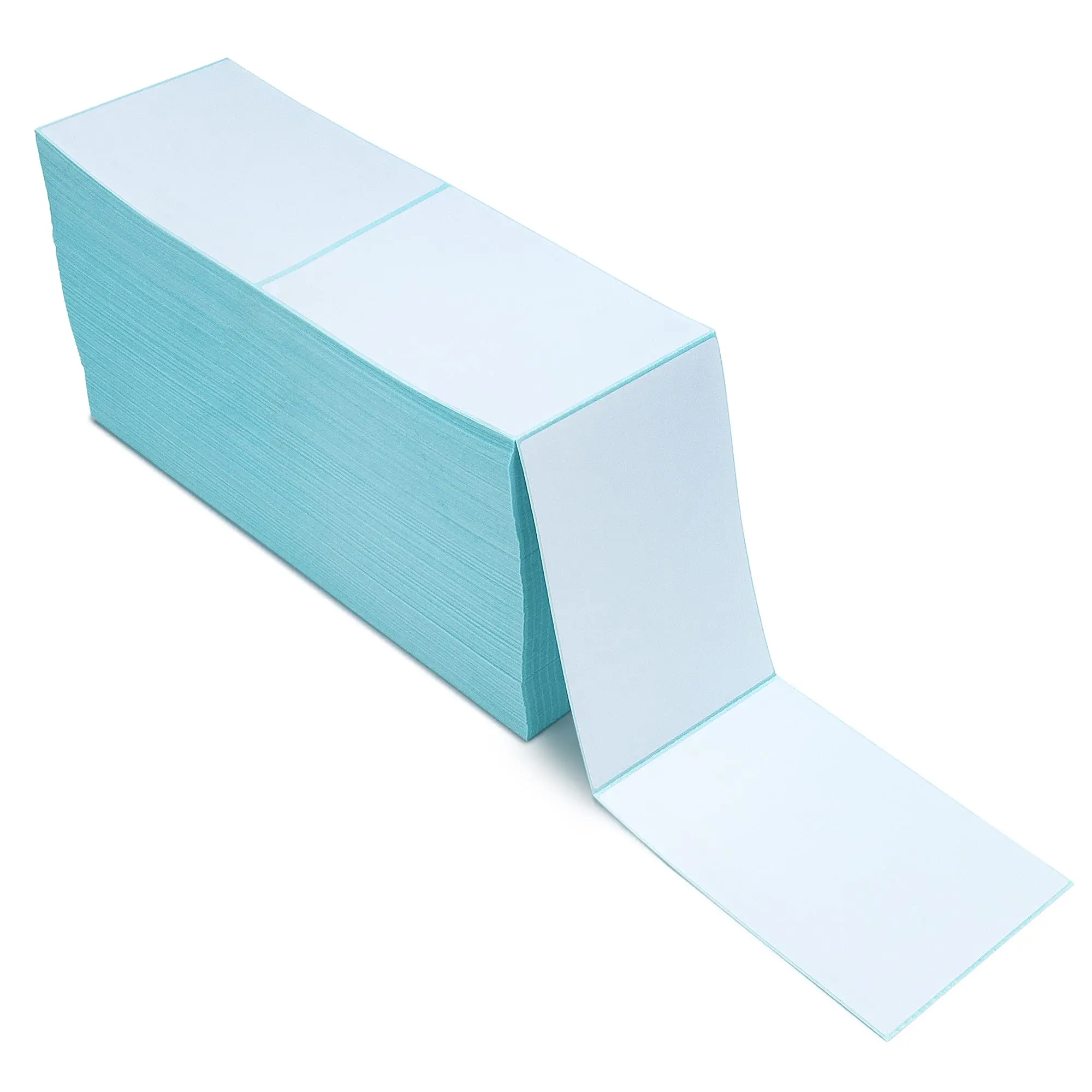
Sheets are for low volume, mixed sizes and ordinary desktop printers. Rolls are for volume and for label printers with a platen and a sensor. Roll buyers must specify four things or the roll will not work: width, core diameter, maximum outside diameter the printer accepts, and wind direction. The sensor type matters too — most printers detect a gap between labels, some need a black mark, and continuous stock has neither.
The four common failures, and their causes
Jamming is usually a curled sheet or a curved feed path; store sheets flat and use a straight path. Curling after printing is heat and moisture imbalance — let the sheet cool flat under a book. Toner flaking on folds means the stock is too smooth or too heavy for the fuser settings. Print that smears on an inkjet means the face has no inkjet coating, which no setting will fix.
Produits associés



FAQ
Can I put sticker paper in a laser printer?
Only laser-rated stock. Standard adhesive can soften in the fuser and film faces may curl. Check the product is explicitly rated for laser use.
Which label paper is best for an inkjet printer?
A grade with an inkjet-receptive coating, in matte for handling or gloss for colour depth. Uncoated paper will bleed.
Why does my label paper curl after printing?
Heat and moisture imbalance from the fuser or the ink load. Let sheets cool flat, and store them sealed at stable humidity.
What do I need to specify when ordering rolls?
Width, core diameter, maximum roll diameter, wind direction and sensor type (gap, black mark or continuous).
Matériaux associés
Articles associés
Comment associer les rubans aux étiquettes transfert thermique ?
Struggling to match ribbons with thermal transfer labels? Discover how wax, resin, and hybrid ribbons pair with label materials for durable, high-quality printing. Get expert tips now.
Pourquoi l'étiquette thermique est-elle rapide à imprimer pour la logistique ?
Need faster label printing in logistics? Thermal labels eliminate ink drying & ribbon alignment—cutting print time by 60%. Boost throughput now.
Applications des étiquettes transfert thermique dans l'industrie
Struggling with label durability, traceability, or compliance in manufacturing? Thermal transfer labels solve moisture, smudge, and barcode-read issues. Boost ROI & uptime—get your custom solution today.
Mots-clés associés
Tell us your printer model and label size — we will confirm a compatible stock, core and sensor configuration before you commit to a run.