Inkjet sticker paper is not ordinary paper with glue on the back. The face carries a coating designed to absorb water-based ink quickly and hold it in place, so a photo or a barcode prints sharply instead of spreading into the fibres.
That coating, more than the paper weight, decides whether a sheet works in your printer. The second deciding factor is what happens after printing: inkjet ink needs to dry and, on an uncoated or overloaded sheet, it will still smear hours later.
The coating does the work
An inkjet coating is a porous mineral layer that pulls ink down and fixes the pigment or dye near the surface. A good coating gives dense blacks, sharp edges on small type, and no visible dot gain on photographs. A cheap or missing coating lets ink sit on top, which shows as mottling, feathering along the die line, and transfer onto anything stacked against it. For pigment inks, which sit higher than dye inks, the coating also needs enough porosity to avoid pooling on heavy ink coverage.
Weight, finish and what they change
Most inkjet label faces run from 80 to 120 gsm. Lighter sheets feed more reliably through desktop printers and conform to curved containers; heavier sheets feel more substantial and resist wrinkling when applied by hand. Matte finishes take handwriting and stamps and hide fingerprints; gloss finishes give stronger colour saturation and deeper blacks, at the cost of visible marks and a longer drying time. A cast-coated gloss is smoother than a simple gloss varnish and prints photographs noticeably better.
Sheets, rolls and die-cutting
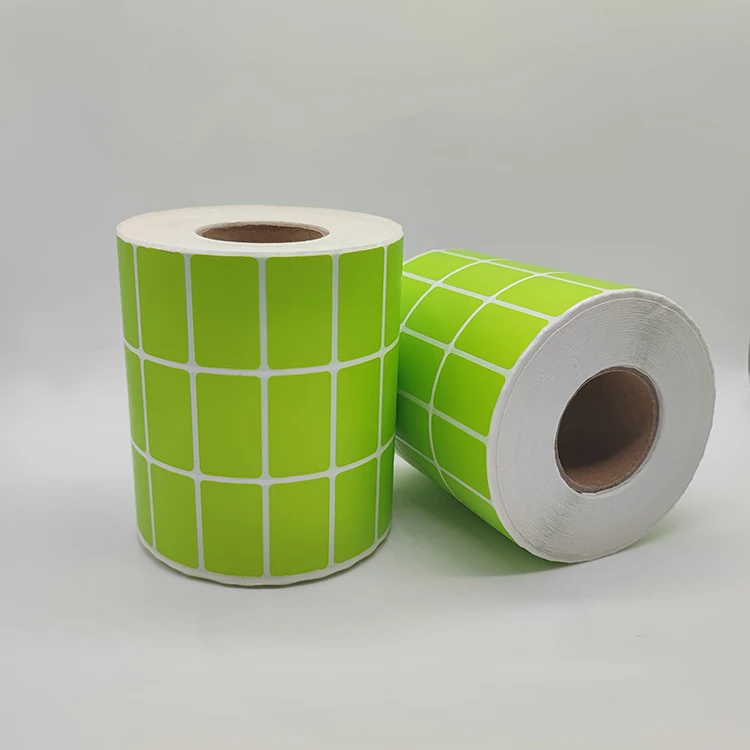
A4 and Letter sheets suit short runs, prototypes and offices where several people print occasionally. Rolls suit higher volume and machines with a roll feeder, and are the only practical option if labels are applied automatically. Die-cut sheets give consistent margins and fast peeling; a full sheet allows any shape but needs cutting. Whichever format you choose, keep the design inside the printer's non-printable margin — typically a few millimetres on each edge.
Printer settings that prevent smearing
Select the paper type that matches the sheet — photo paper or matte coated paper — rather than plain paper, because this controls ink volume. Reduce ink density on full-bleed designs; overloaded areas stay wet longest. Let sheets dry flat for several minutes before stacking or applying, and avoid touching the printed surface with dry fingers, which can abrade pigment ink. If the labels will be handled or exposed to moisture, laminate them: the coating helps ink adhere, it does not make paper waterproof.
Related Products
FAQ
Can I use inkjet sticker paper in a laser printer?
No. The coating is formulated for water-based ink and the heat of a laser fuser can blister it or deposit toner unevenly. Use a sheet rated for laser printing instead.
Why does the ink still smear after drying?
Usually too much ink for the coating, the wrong paper-type setting, or stacking too early. Reduce ink density, select a coated or photo paper setting, and allow longer drying time.
Is inkjet sticker paper waterproof?
The paper base is not. The print may resist a light splash once fully dry, but for chilled, wet or outdoor use choose a synthetic PET or PP sheet and a suitable laminate.
Related Materials
- Glossy Sticker Paper: Where the Shine Helps and Where It Hurts
- Transparent Sticker Paper: Film Choice, Print and the No-Label Finish
- Holographic Sticker Paper: Security, Tamper Evidence and Print Options
- Inkjet Vinyl Sticker Paper: Waterproof Sheets That Print and Cut Cleanly
- PP Adhesive Labels: Synthetic Film for Wet, Oily and Squeezable Packs
Related Articles
How to Print Vibrant Colors on Glossy Sticker Paper?
Struggling with dull prints? Discover how to achieve vibrant, long-lasting colors on glossy sticker paper with the right materials, settings, and inks. Print like a pro today.
How to Choose Inkjet Sticker Paper for Photo Stickers?
Discover how to select the best inkjet sticker paper for photo stickers based on application, durability, printer compatibility, and adhesion. Get vibrant, long-lasting results every time. Learn more.
Types of Inkjet Sticker Paper for Photos
Looking for high-quality inkjet sticker paper for photos? Discover the best types that deliver vibrant, smudge-proof results every time. Buy now!
Related Keywords
- inkjet-paper-sticker
- clear-printable-sticker-paper
- vinyl-sticker-paper-for-inkjet-printer
- inkjet-vinyl-sticker-paper
- clear-printable-stickers
- inkjet-print-stickers
- inkjet-printable-stickers
- printable-vinyl-for-inkjet-printer
- printable-adhesive-paper
- clear-inkjet-sticker-paper
- inkjet-sticker
- clear-printable-vinyl
Tell us your printer model and the label size — we will recommend a coated sheet and send a sample to test ink absorption.