
Most mailing label problems are not material problems. They are a template that does not match the sheet, or a printer setting that silently rescales the page by two percent until the addresses sit off-centre by the bottom row.
Here are the standard sizes, how a template is built, and the settings that keep print aligned from the first sheet to the last.
The sizes that cover most mailing work
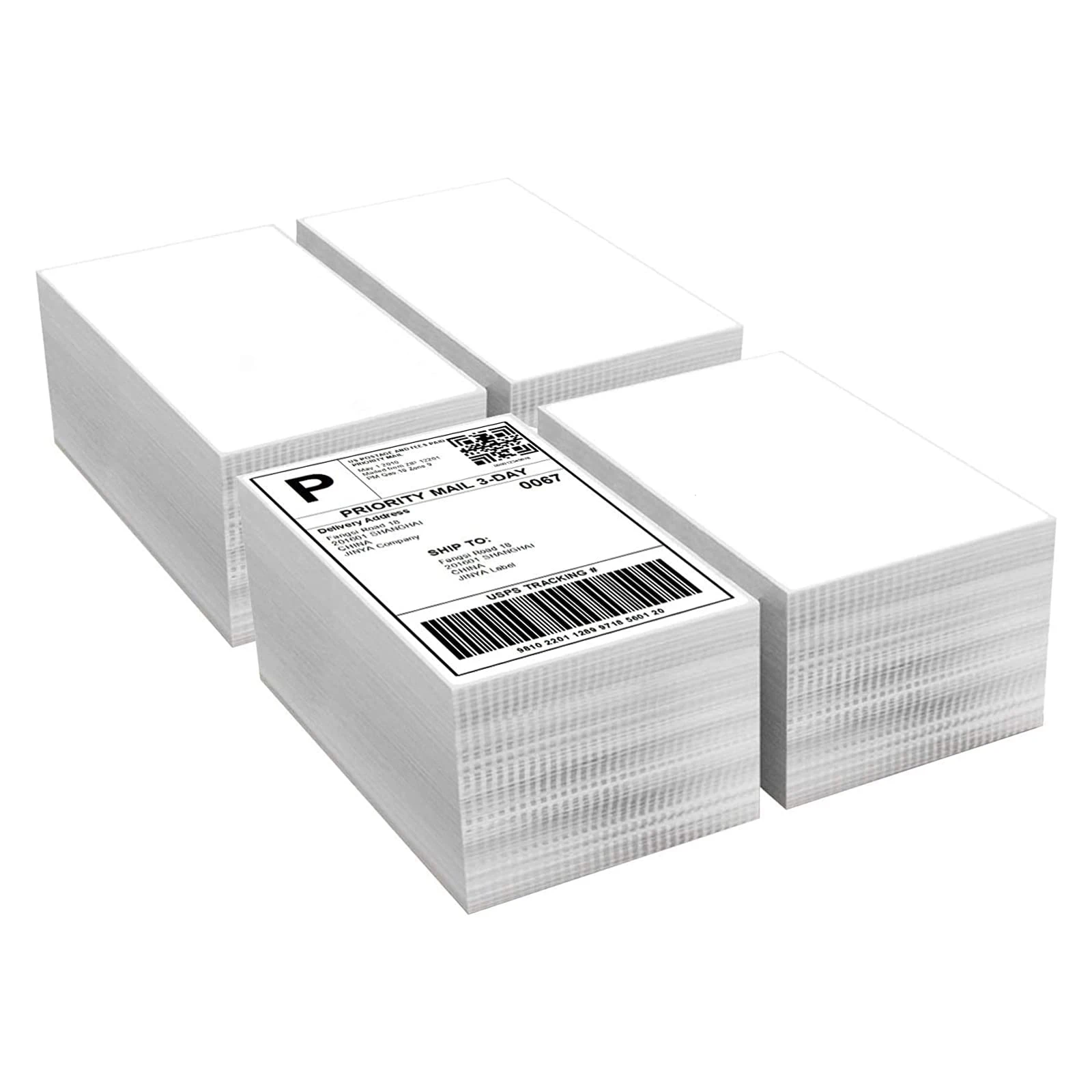
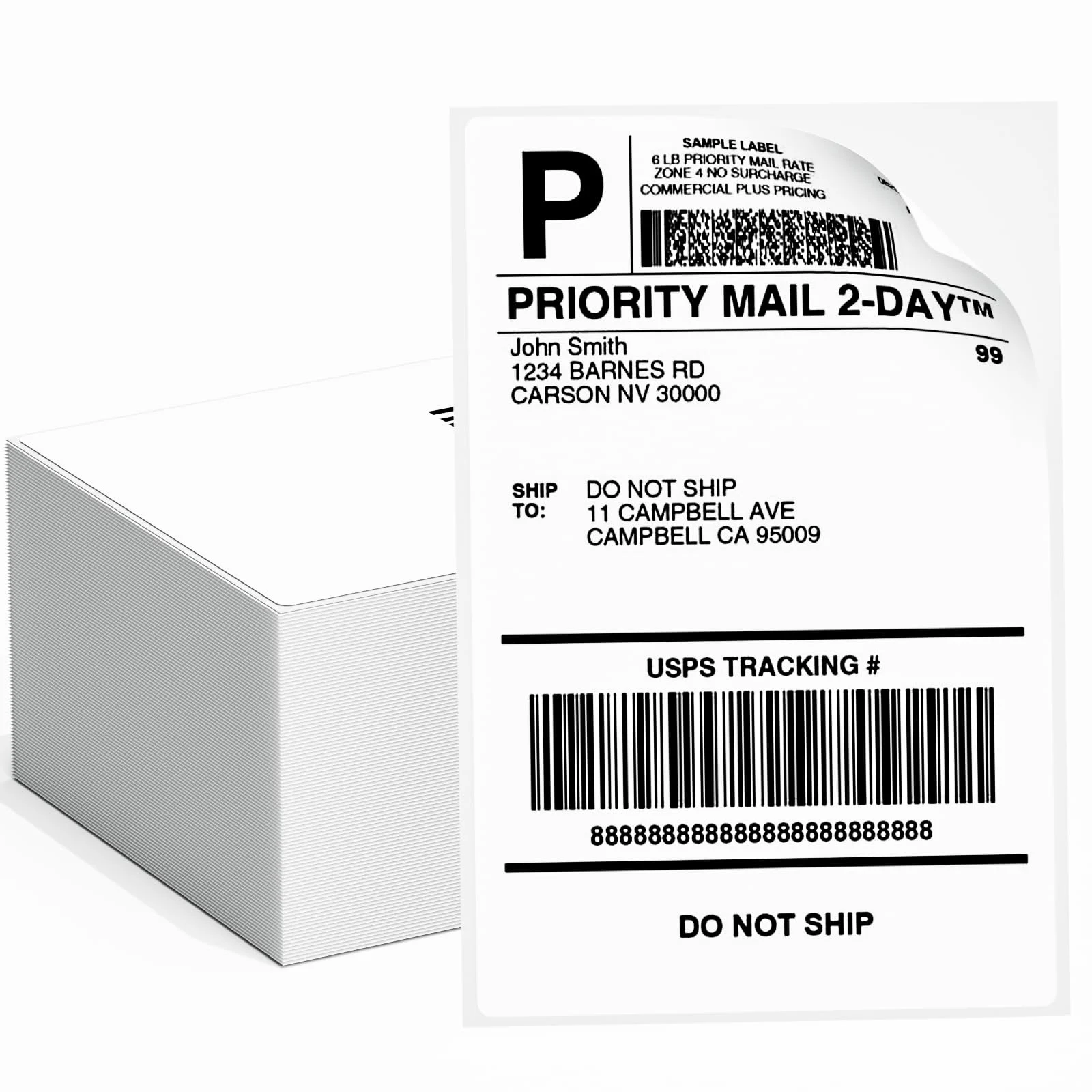
4 x 6 inch is the de facto standard for parcel and shipping labels, and it matches the common thermal shipping format. 4 x 3.33 inch (six per Letter sheet) is the classic address label. 3 x 1 inch covers return addresses and small barcode strips. A6 is the closest metric equivalent for markets that work in millimetres. Choosing a standard size matters beyond convenience: it keeps you inside the range of ready-made templates and printer presets, which is where alignment problems usually start.
How a usable template is built
A template defines page size, margins, label pitch (label height plus the gap between rows), and the exact position of the first label. Get the pitch wrong and the error compounds down the page — the top row is perfect and the bottom row is half off. Templates should also carry a bleed allowance if the design runs to the edge, and a quiet zone around any barcode so it still scans after printing. For die-cut sheets, use the manufacturer's own template rather than a generic one, since die positions vary by a millimetre or two between suppliers.
Mail merge without re-typing
Address lists belong in a spreadsheet, not in the layout. Word, LibreOffice and Google Docs all support merging a column set into a label template, and the same file then handles 20 labels or 2,000. Keep the data columns clean — one field per column, no merged cells, consistent postcode format — and proof the first sheet on paper before committing a whole run. A single mis-mapped column can put the postcode where the street should be across an entire batch.
Printer settings that stop misalignment
Four settings cause most drift. Scaling must be 100 percent, not 'fit to page'. Paper size must match the template exactly, including Letter versus A4. Margins must be set to none or to the sheet's own margins, not the printer default. And the media type should match the stock, because a thick label sheet fed as plain paper can slip and shift. Feed one sheet at a time through a straight path when the stock is heavy, and check the first sheet against a ruler before running the batch.
Sheets or rolls
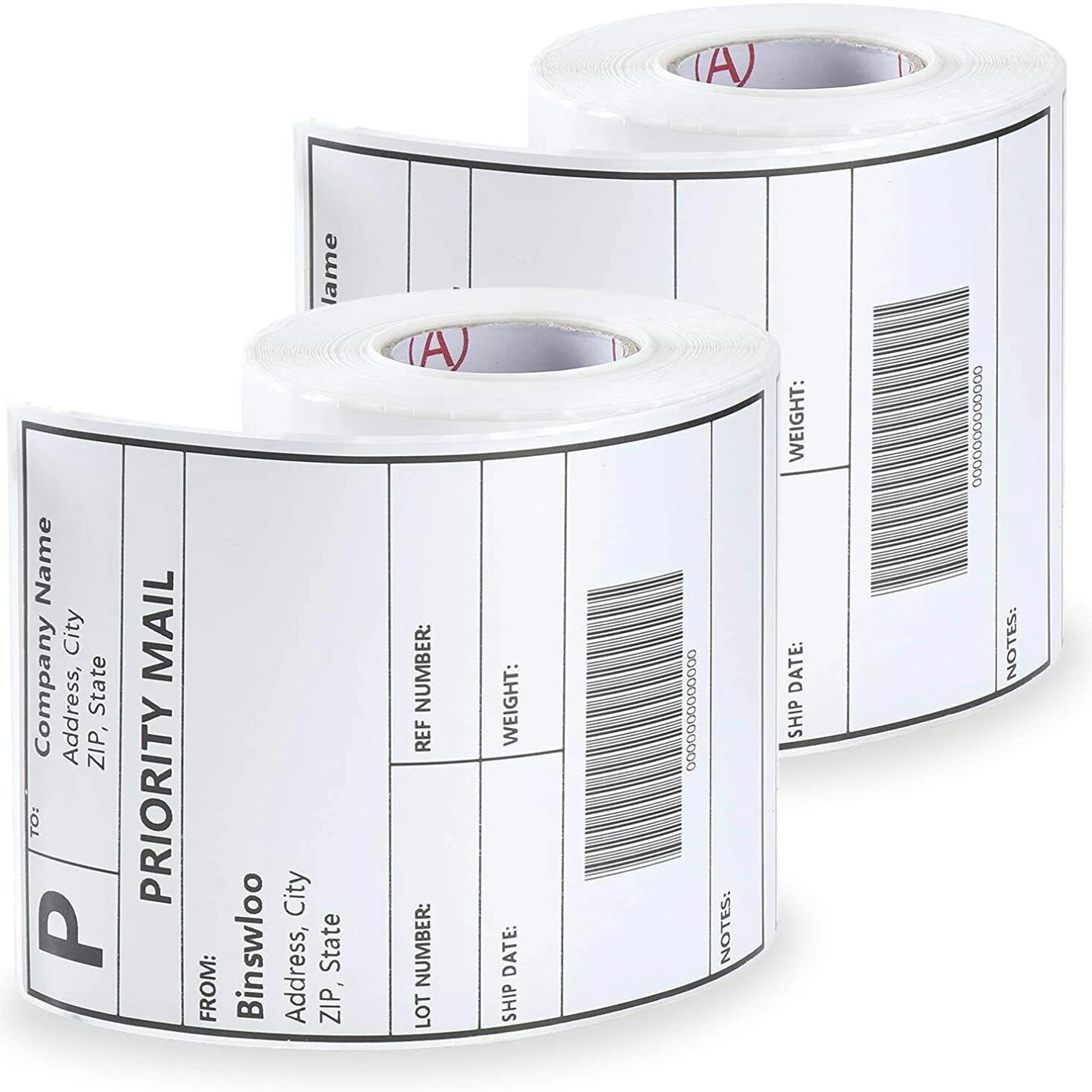
Sheets suit low volume, mixed sizes and desktop printers. Rolls suit volume, automatic application and thermal printers, and cost less per label at scale. If you print more than a few hundred labels a month, the roll format plus a dedicated label printer usually pays back quickly in labour alone — and it removes the alignment problem entirely, because there is no page to align to.
Ähnliche Produkte
FAQ
What is the standard mailing label size?
4 x 6 inches for parcels and shipping; 4 x 3.33 inches for address labels on Letter sheets; 3 x 1 inches for return addresses.
Do I need special software for mailing labels?
No. A word processor with mail merge and the correct template is enough. Design tools are only needed if the label carries brand artwork.
Why are my labels printing off-centre?
Almost always page scaling above 100 percent, a paper size mismatch (Letter vs A4), or a template whose row pitch does not match the sheet.
Can I print mailing labels on a normal printer?
Yes, on sheet labels through an inkjet or laser. Rolls need a label printer or a printer with a roll feed.
Verwandte Materialien
Ähnliche Beiträge
Warum silikonbeschichtetes Glassinpapier für Etiketten geeignet ist
Discover why silicone glassine paper is the top choice for durable, eco-friendly labels. Ensures easy release, strong adhesion, and print versatility. Learn more now.
Wie man Farbbänder auf Thermotransfer-Etiketten abstimmt
Struggling to match ribbons with thermal transfer labels? Discover how wax, resin, and hybrid ribbons pair with label materials for durable, high-quality printing. Get expert tips now.
Anwendungen von Thermotransfer-Etiketten in der Fertigung
Struggling with label durability, traceability, or compliance in manufacturing? Thermal transfer labels solve moisture, smudge, and barcode-read issues. Boost ROI & uptime—get your custom solution today.
Ähnliche Suchbegriffe
Tell us your sheet layout or printer model — we will confirm the matching template, stock and die position, and send a sample sheet to test alignment.